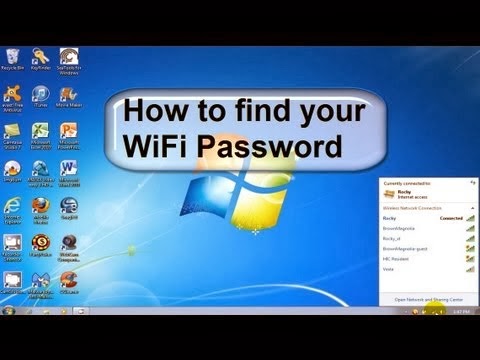
How to know WiFi password in my computer
 Learn Ethical Hacking & Cyber Security From The Pros Today!
 Steps
- Go to My Computer>Network Place
- See your modems company name if you find in network places double click it
- It will take you to the modems router
- Enter User Name:- admin
- Enter Password:- admin
- Router will be opened
- In that go to Wireless and click security
- Then go to WPA Pre-Shared Key
- If password is already entered it will show option click here to display
- A popup menu will appear it will show WiFi password
- There is a option that you can change Wan network by clicking in Network Authentication:
- In that select as Open by clicking this WiFi will be not secured any one can use your WiFi
Tips
- In router we can see the network connected with modems.
Warnings
- The default username and password is admin.
- If like to change click in management and change username and password.


